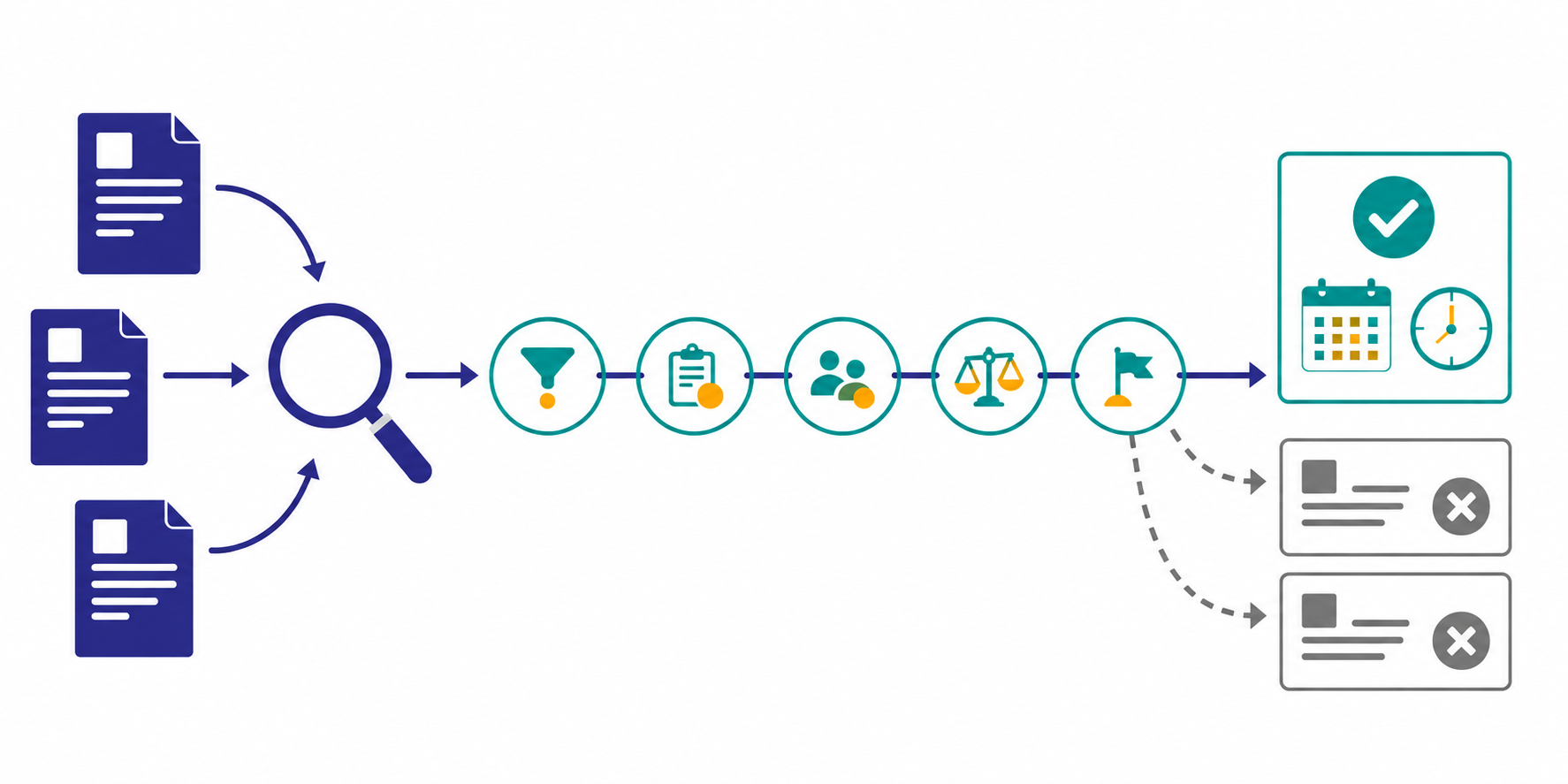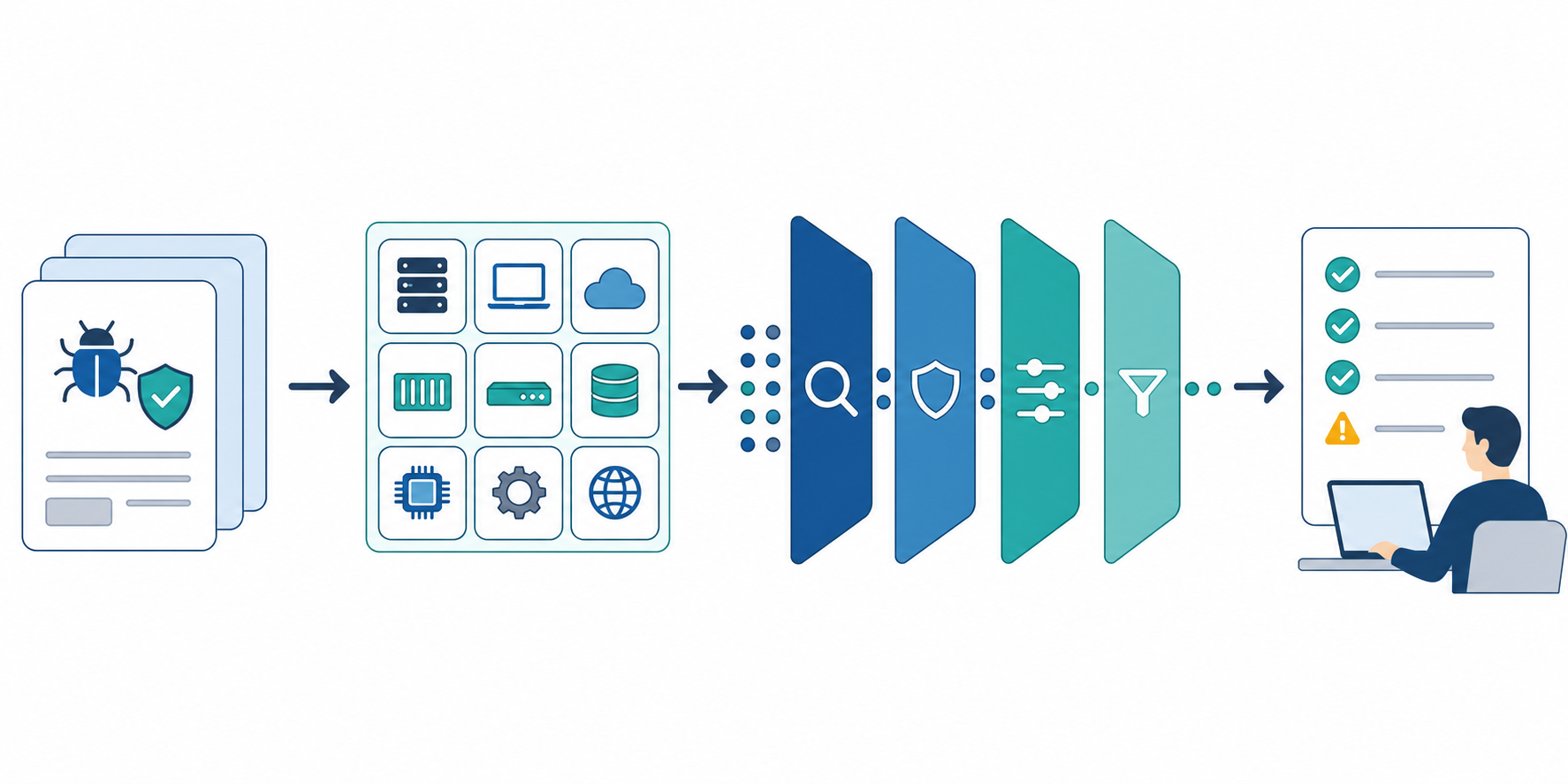
Many teams do not have the time or headcount to run interviews and primary research every week. That does not mean they have to operate blindly. A lot of useful decisions can start from structured public web research, as long as the workflow does not depend on endless searching.
This article explains how to run recurring competitor and market research using public web information only: what public sources are good for, how to organize them, how to summarize them, and when to escalate beyond them.
The short answer: fix the scope and decision use case first
- decide what business question the research should support
- group sources into a stable Seed URL list
- use the same review questions every cycle
- keep summaries and source evidence separate
- escalate only the unanswered questions to deeper research
That sequence turns public web research from ad hoc searching into a process a small team can actually sustain.
Where public web research works — and where it does not
Public sources are powerful when the question matches what companies and markets already publish.
| Question type | Good fit for public web research | Why |
|---|---|---|
| competitor messaging, pricing, launches | yes | product pages, pricing pages, FAQs, and release notes are visible |
| industry news and regulation shifts | yes | official announcements and media sources can be tracked repeatedly |
| early hypothesis building | yes | you can map the main signals quickly before deeper work |
| hidden customer objections | no | this usually needs interviews or field input |
| real win-loss reasons in deals | no | the critical data is rarely public |
In short, public web research is strong at building hypotheses from visible signals. It is not a replacement for non-public customer or sales insight.
Step 1: organize sources into three layers
The first improvement is usually not better search terms. It is a better source structure. A simple three-layer model works well in practice.
| Layer | Examples | Role |
|---|---|---|
| Core sources | product pages, pricing pages, release notes | capture direct changes |
| Supporting sources | FAQs, help centers, hiring pages, event pages | add context and intent |
| Context sources | industry media, official blogs, policy updates | explain the wider market |
This structure is easy to convert into a Seed URL list, which reduces both missed updates and random noise. If you are setting up the workflow from scratch, Seed URLs: Usage and Examples and Dashboard Overview and Basic Settings are the best starting points.
Step 2: use one repeatable question set
Even with a fixed source list, quality becomes inconsistent if the questions change every week. Public web research works better when every cycle asks the same core questions.
For example:
- what meaningful changes happened in this time window
- who appears to be the target of those changes
- what implication matters for our team
- what open question should stay on watch next cycle
This is also the easiest way to keep AI summaries stable. If you need a prompt structure, How to Write Effective Research Instructions is the right reference.
Step 3: separate summary from evidence
One of the fastest ways to make research unusable is to keep only the narrative summary and lose the source trail. In practice, the workflow should always preserve both.
| What to keep | Content | Why it matters |
|---|---|---|
| Summary | what changed and how it should be interpreted | fast for meetings and sharing |
| Evidence | URLs, referenced pages, dates, and specific updates | makes later review and validation possible |
This split keeps the work reusable. When several people touch the same workflow, source evidence is what turns a summary into something trustworthy.
Step 4: run a lightweight weekly workflow
Public web research only becomes valuable when it can run repeatedly. For a small team, a lightweight weekly loop is usually enough.
- choose one watch theme
- limit the source scope to 5-10 sources, using one Seed URL per job
- run the same collection and summary prompt every week
- compile the useful changes into a short brief
- share only the high-impact items in chat or meetings
If you need the reporting side of the workflow, How to Start a Recurring Market Watch is a good companion article.
Step 5: escalate only the unanswered questions
The goal is not to force public data to answer every question. The goal is to identify which questions public data can answer well and which ones need a different method.
For example:
- Good public-web fit: pricing changes, messaging shifts, release activity, hiring direction
- Needs deeper research: buyer objections, sales process friction, contract details, real win-loss causes
That boundary keeps the workflow honest. Public web research should feed better follow-up work, not pretend to replace it.
Common pitfalls
1. Expanding the scope too quickly
Tracking too many competitors, media sources, and side channels creates noise long before it creates insight. Start with the sources that directly support a decision.
2. Losing the source trail
If the team cannot see which page or update supports a claim, the summary becomes hard to trust and even harder to reuse.
3. Expecting public data to answer private questions
Some questions simply need customer conversations or internal field input. Treat those as follow-up research items instead of forcing certainty from incomplete signals.
When Stratum Flow fits well
- you want a repeatable workflow for competitor and market research
- you need summaries and evidence organized in one place
- you want a Japanese-friendly setup for recurring research operations
- you need a practical bridge from monitoring to team sharing
Summary
To run public web research well, do not optimize for more searching. Optimize for clear scope, repeatable questions, evidence-backed summaries, and an explicit handoff to deeper research when needed.
With that structure, public web research becomes a reliable operating workflow instead of a collection of one-off searches.
Next step
Related articles
- How to Launch Your First Job After Signup and Reach Value Faster
- How to Turn Market Signals Into a Weekly Brief for Decisions
- How to Streamline Market Research Report Creation
- How to Start a Recurring Market Watch
- How Small Teams Can Run Market Intelligence
- SaaS Competitor Tracking Template for Small Teams
- 5 Ways to Automate Competitive Research
- AI Research Tools Comparison Guide 2026
- How to Turn Help Pages Into Signup Paths With Internal Links and CTAs Sign up free and create your first job
Related articles
- First-Job Onboarding Guide After Free Signup
- How to Turn Market Signals Into a Weekly Brief for Decisions
- How to Streamline Market Research Report Creation
- How to Start a Recurring Market Watch
- How Small Teams Can Run Market Intelligence
- SaaS Competitor Tracking Template for Small Teams
- 5 Ways to Automate Competitive Research
- AI Research Tools Comparison Guide 2026
- How to Turn Help Pages Into Signup Paths With Internal Links and CTAs