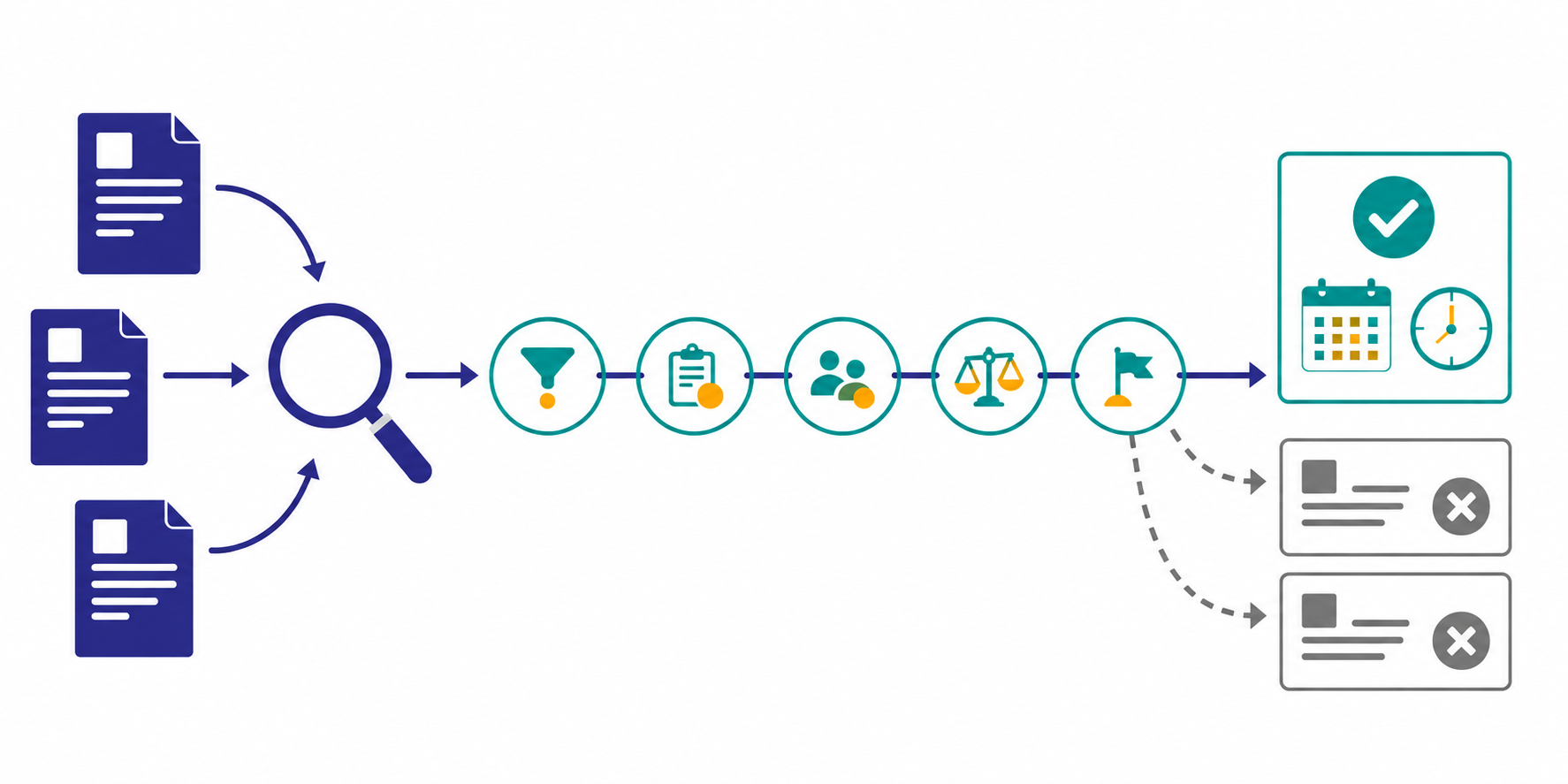
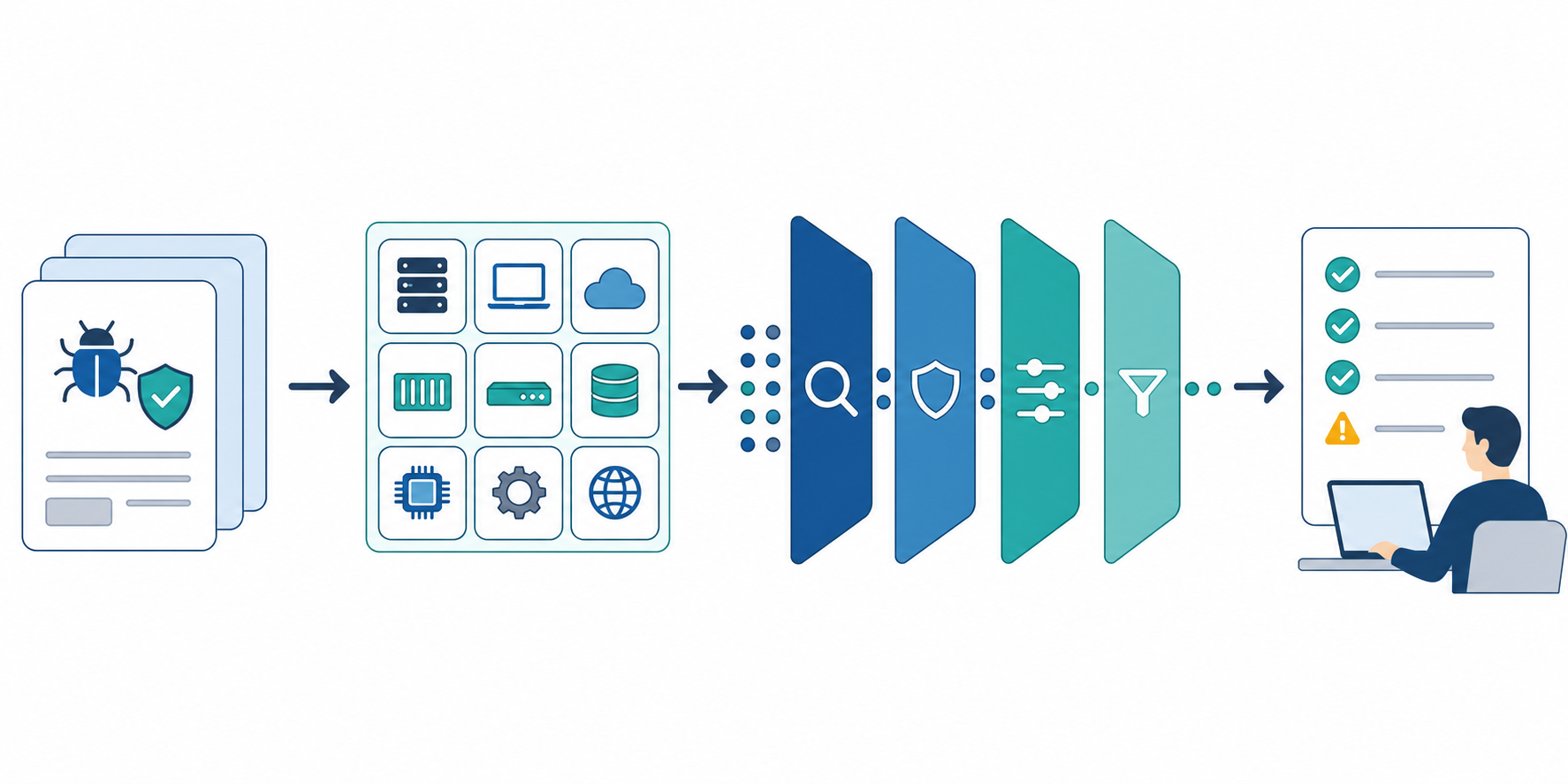
Market research reports usually feel heavy for the wrong reason. The hard part is often not the analysis itself, but the repeated work around it: collecting sources, summarizing changes, turning them into a readable format, and sharing them with the right people.
That is especially true for lean teams, where the same person often researches, writes, and explains the report. This article focuses specifically on making the report itself faster to produce, not on general research operations. The goal is to show what should stay standard, what should be automated, and how to connect the workflow to one recurring job after signing up for free.
The short answer: separate the workflow into five parts
- fix the source list
- use a repeatable research question template
- summarize changes instead of rereading everything
- keep one report format
- decide the sharing path and first-job goal up front
Once these five parts are stable, report creation becomes less like rebuilding from scratch and more like updating a repeatable weekly process.
Why market research report creation becomes slow
The workload usually grows in the same places:
- the source list changes every time
- the team reads too much raw material
- report structure shifts from one cycle to the next
- the summary has to be rewritten for each audience
- old reports are hard to compare
In other words, the main problem is not writing a report. It is the lack of a shared structure around the report.
Step 1: fix the source list first
The first improvement is to stop redefining the input every week. A stable source structure is more useful than a broader search.
| Source type | Examples | Why it matters |
|---|---|---|
| Competitor signals | product pages, pricing pages, release notes | track changes in offer and positioning |
| Market signals | industry news, analyst blogs, events | follow wider movement in the category |
| Technical signals | official blogs, API updates, developer articles | monitor changes that may shift adoption or expectations |
This makes the workflow easier to repeat and easier to compare over time. If you are setting things up from scratch, Dashboard Overview and Basic Settings is the best place to start, and Seed URLs: Usage and Examples helps you turn that source list into a working job.
Step 2: turn the research question into a template
Reports get noisy when the research question changes every cycle. The easiest fix is to reuse the same four questions:
- what important change happened this period
- which change matters to our business
- what should influence a decision in the next two weeks
- what open question should stay on watch
When the questions stay stable, AI summaries are much easier to compare. If you need help with the prompt itself, How to Write Effective Research Instructions is the right reference.
Step 3: summarize change, not volume
Market research reports become slow when the team tries to reread every collected source. The more practical approach is to summarize only what changed.
Focus the report on three things:
- what changed since the last cycle
- what that change probably means
- what deserves a deeper follow-up
This reduces reading time without hiding the important signal. It also helps if the workflow keeps the summary and source evidence separate, so the team can revisit the original links when needed.
Step 4: keep one report format
If the report structure changes every time, both the writer and the reader pay the cost. A fixed format usually works better:
- three key takeaways
- notable changes
- implications for our team
- what to watch next
That structure works for leadership reviews, product planning, and market updates because it keeps the report short without losing the context behind the change.
Step 5: decide the sharing path and first-job goal up front
A report that has no clear destination usually does not get used. The same is true for a first job with no concrete goal.
| Destination | Good format | Typical use |
|---|---|---|
| recurring meeting | PDF / Word | meeting-ready summary |
| chat | short summary + link | urgent signal sharing |
| documentation or internal tools | TXT / API | storage and reuse |
For the first recurring job, do not start with several themes. Pick one operating question instead, such as "summarize weekly pricing, launch, and messaging changes across three competitors."
Manual report creation vs recurring monitoring
The real gain usually comes from reducing repeated report work, not from trying to automate every part of research at once.
| Step | Manual workflow | Recurring workflow | What gets lighter |
|---|---|---|---|
| Collection | search and open sources every time | reuse fixed starting points and review changes | less time spent finding inputs |
| Summary | rethink the angle each week | use the same question template | easier comparison |
| Formatting | rebuild the report structure | fill the same report format | less rewriting |
| Sharing | rewrite for each destination | prepare meeting and chat-ready outputs | less copy and paste |
If the goal is faster market research report creation, this is the difference that matters most.
A one-page format for recurring market research reports
The easiest way to speed up report creation is to keep one standard page structure.
| Section | What to include | Typical length |
|---|---|---|
| Key takeaways | the three most important changes | 3 bullets |
| Change log | pricing, feature, messaging, and news updates | 1 line each |
| Implications | likely effect on sales, marketing, or product | 2-3 bullets |
| Next watch items | unresolved issues to follow next cycle | 1-2 bullets |
With this structure, the job becomes closer to updating the report than redesigning it.
How to turn the framework into a first Stratum Flow job
If you want to put the five-part framework into Stratum Flow, start with three steps:
- choose one watch theme
- use one Seed URL per job, and split multiple sources into separate jobs or support them with
site:constraints in the research instructions - run one weekly prompt that always returns changes, implications, and next actions
For the first setup, Dashboard Overview and Basic Settings is the best starting point. For the prompt itself, How to Write Effective Research Instructions helps keep the output consistent.
Adoption checklist
- is the report tied to a real decision
- is the destination clear: meeting, chat, or documentation
- can the team compare outputs week over week
- are source links preserved for later review
- is the first job limited to one theme
Common pitfalls
1. Expanding the source list too fast
More sources usually create more noise before they create more insight. Start with one theme and a narrow source scope.
2. Using vague research questions
"Research the market" is too broad to produce a useful report. The prompt should tie directly to a decision or operating need.
3. Changing the report format every time
If the layout keeps changing, the team cannot compare reports or reuse them easily.
4. Starting with too many themes
Trying to monitor competitors, industry news, and technical trends at once makes it hard to see what is actually working. One theme is enough for the first job.
When Stratum Flow is a good fit
- you want monitoring and report creation in one workflow
- you need a Japanese-friendly setup for recurring research
- you want summaries, exports, and sharing paths connected
- you want to try the first job quickly after creating a free account
- you may later plug the output into an API-based workflow
Summary
To streamline market research report creation, do not focus on making AI write everything. Focus on fixed sources, repeatable questions, change-based summaries, a stable format, and a clear sharing path.
With that structure in place, market research reporting becomes a repeatable workflow instead of a recurring writing burden.
Next step
- Create a free account
- Use Dashboard Overview and Basic Settings to create one recurring job for one theme
- Use How to Write Effective Research Instructions to keep the report output consistent every week
Related articles
- How to Monitor Public Tender Opportunities
- How to Turn Monitoring Results Into Weekly Team Reports
- First-Job Onboarding Guide After Free Signup
- How to Turn Market Signals Into a Weekly Brief for Decisions
- How to Run a Public Web Research Workflow
- How Small Teams Can Run Market Intelligence
- How to Start a Recurring Market Watch