Most SaaS teams agree that competitor tracking matters. The problem is that it often stays informal: someone checks a few pages before a meeting, a few updates get dropped into chat, and the process disappears the next week.
This article gives you a practical competitor tracking template for small SaaS teams. It covers what to review every week, how to split alerts from reports, and how to carry the findings into team meetings.
The short answer: fix five review areas and one sharing workflow
If you want competitor tracking to keep running, start with these rules:
- review the same five categories every week
- lock target pages into a stable Seed URL list
- separate urgent alerts from weekly reporting
- bring only change, implication, and next action into meetings
- start with one watch theme before expanding the scope
That is what turns competitor tracking from scattered browsing into a repeatable operating rhythm.
Why a template matters for SaaS teams
Competitor tracking usually breaks down for operational reasons, not because the market is too large.
- the source list changes every cycle
- pricing, product, messaging, and hiring all get mixed together
- there is no agreed threshold for what counts as important
- reports exist, but nobody uses them in meetings
- the work depends on one person remembering to do it
A good template does not reduce the amount of available information. It creates a stable comparison structure so the team can judge changes quickly.
A weekly competitor tracking template you can use right away
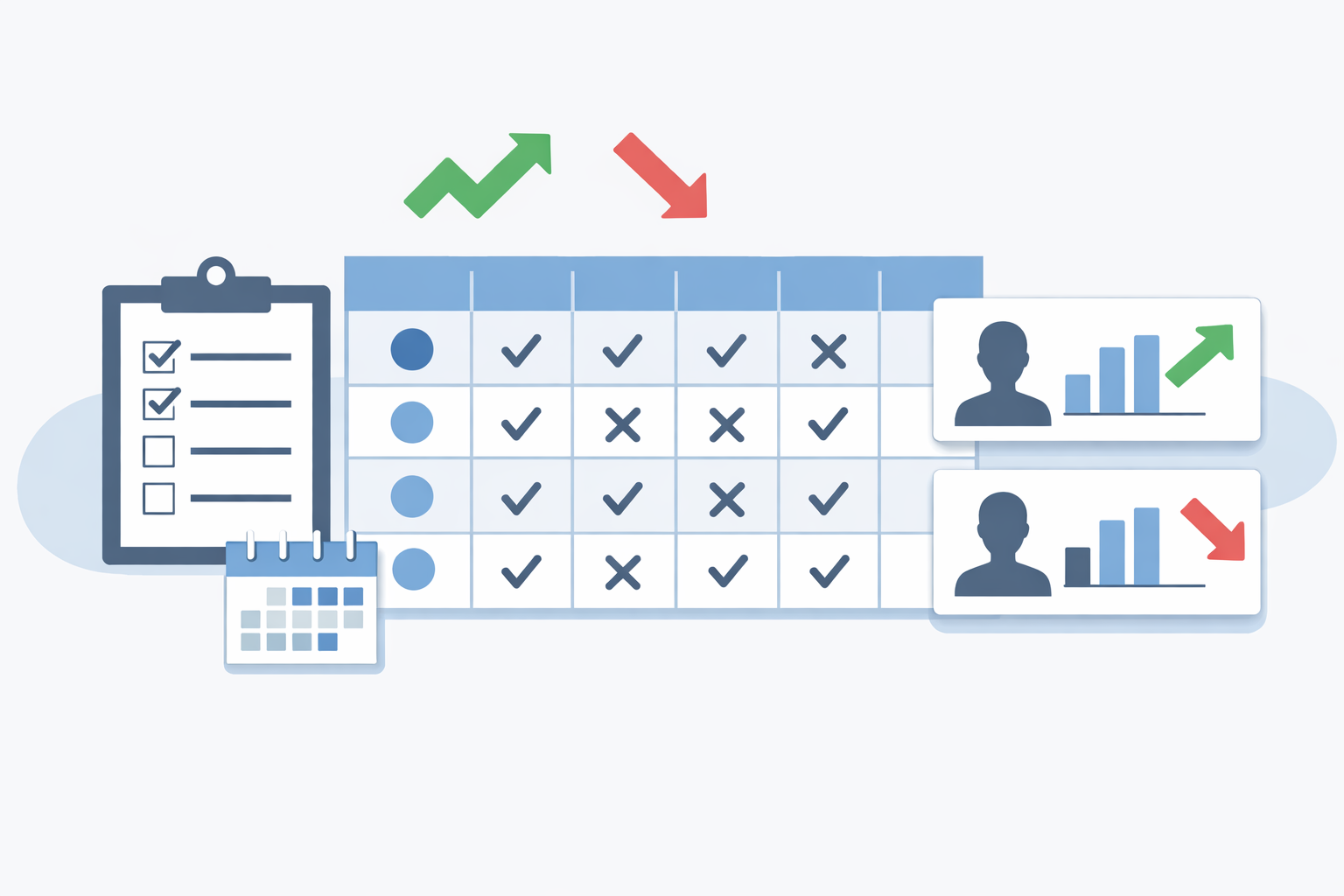
Start with this lightweight table.
| Review area | What to check each week | Typical sources | Decision question |
|---|---|---|---|
| Pricing and plans | price changes, packaging shifts, free-tier edits, annual-plan pushes | pricing pages, FAQs | should we revisit sales talk tracks or plan design? |
| Product updates | launches, release notes, feature-page edits | release notes, product pages | does this affect roadmap or positioning? |
| Messaging | homepage headlines, landing pages, case-study framing | homepages, campaign pages, case studies | who are they trying to win now? |
| Customer proof | new logos, stories, reviews, testimonials | case-study pages, trust sections | which segments or use cases are gaining traction? |
| Investment signals | hiring, partnerships, events, new downloadable assets | hiring pages, blogs, news pages | where are they placing the next bet? |
You do not need to deep-read every row every week. The job is to scan for meaningful change and investigate only when a signal looks important.
Step 1: lock the source list before you start
The fastest way to make competitor tracking sustainable is to stop starting from search every time. Fix the pages you want to monitor first, then reuse them every cycle.
A strong starting set for each competitor is:
- pricing page
- main product page
- release notes or announcements
- customer stories or case studies
- hiring page
If you are setting up the workflow from scratch, Dashboard Overview and Basic Settings helps with the first setup, and Seed URLs: Usage and Examples is the best reference for structuring your source list.
Step 2: keep the same five review areas every week
Without a template, teams waste time deciding what to look at. Fixing the review order makes the weekly cycle lighter and more comparable.
Recommended review order
- pricing and packaging
- product launches and releases
- homepage and campaign messaging
- customer proof and case studies
- hiring, partnerships, and investment signals
This order works well for SaaS teams because it maps naturally to sales, product, marketing, and strategic planning.
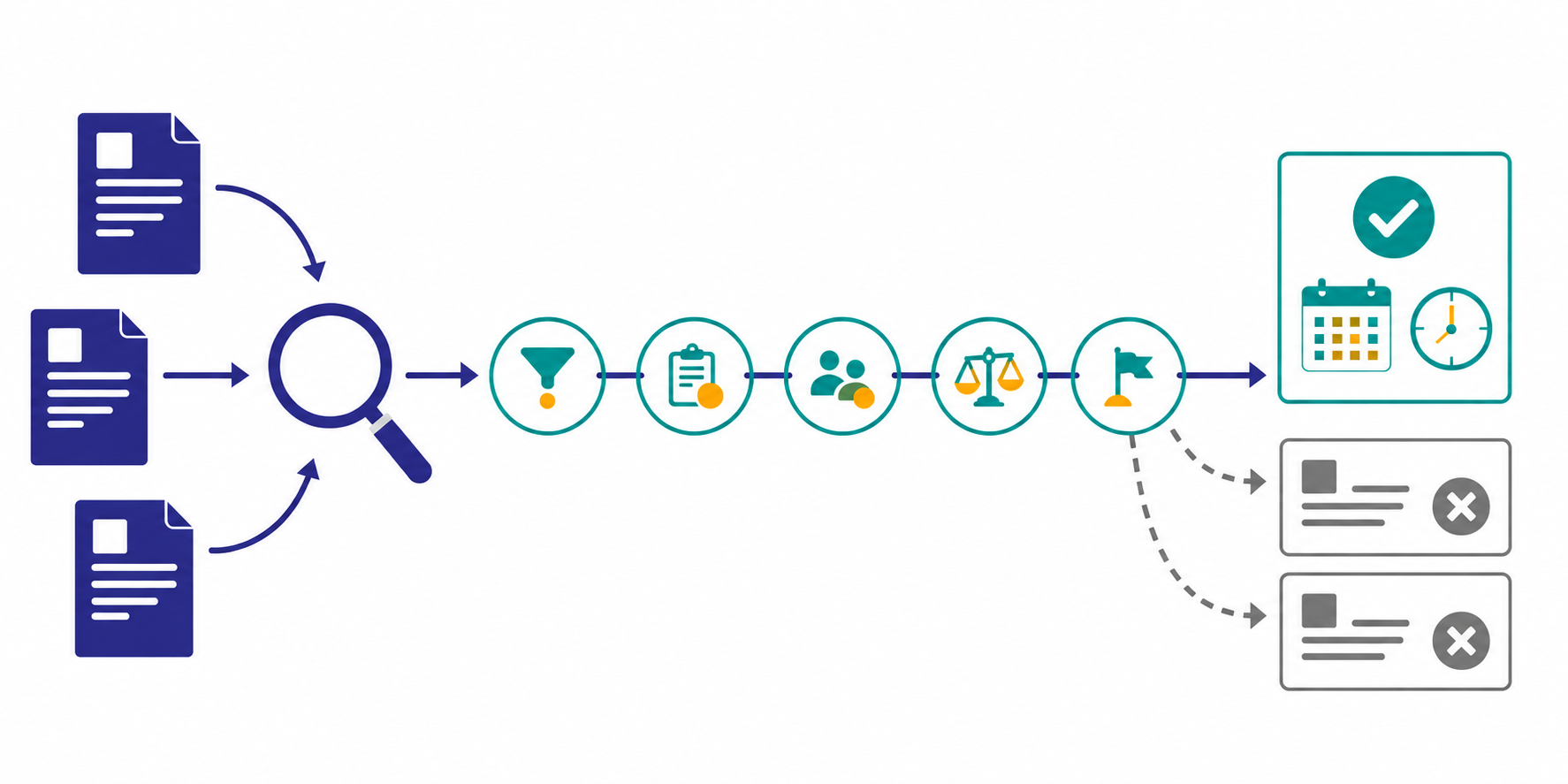
Step 3: split alerts, reports, and trend reviews
Do not send everything as an alert. Competitor tracking works better when each type of change has a home.
| Format | Best for | Examples |
|---|---|---|
| Immediate alert | changes that need a quick reaction | pricing changes, major launches, strategic partnerships |
| Weekly brief | changes that matter more in comparison | messaging shifts, new case studies, hiring spikes |
| Monthly review | patterns that only make sense over time | positioning drift, industry focus, repeated expansion signals |
That split keeps chat noise under control while preserving the signals your team should not miss.
Step 4: use a fixed meeting format
Competitor tracking becomes valuable when it enters decision-making, not when it just fills a document.
In a recurring team meeting, keep the discussion to three questions:
- what changed this week
- why it matters for us
- what should we check or do next
You can also use a simple meeting template:
| Field | What to write |
|---|---|
| Change | one-line description of the update |
| Evidence | source page or URL |
| Implication | likely effect on sales, product, or marketing |
| Next action | owner and follow-up |
This keeps the output short enough to use, while still making the workflow actionable.
Step 5: choose the first watch theme carefully
At the beginning, do not expand by competitor count. Expand only after one useful theme is already working.
Good first themes include:
- pricing comparisons tied to real deal friction
- new features from the competitors you hear about most often
- case-study additions that reveal segment focus
- homepage positioning changes that suggest a market shift
Once the theme is chosen, keep the research question stable. If you want help shaping that prompt, How to Write Effective Research Instructions is the right companion guide.
Common pitfalls
1. Tracking too many competitors too early
If you start with 10 or more companies, the workflow usually collapses. Two or three competitors and one theme are enough to prove the habit.
2. No definition of importance
"Something changed" is not useful on its own. Decide whether a change matters for sales, product, marketing, or leadership review.
3. Reports are disconnected from team routines
If nobody knows where the output goes, the work will not influence decisions. The report destination and meeting slot should be designed together.
When Stratum Flow fits well
- you want a weekly competitor tracking workflow without adding headcount
- you need monitoring, summaries, alerts, and exports to play different roles
- you want a Japanese-friendly setup for recurring SaaS research operations
- you need one place to compare pricing, launches, and messaging over time
Summary
The most useful SaaS competitor tracking template is not the most complex one. It is the one that fixes five weekly review areas, one sharing workflow, and one meeting handoff so a small team can keep using it.
With that structure in place, competitor tracking becomes an operating habit instead of a last-minute research scramble.