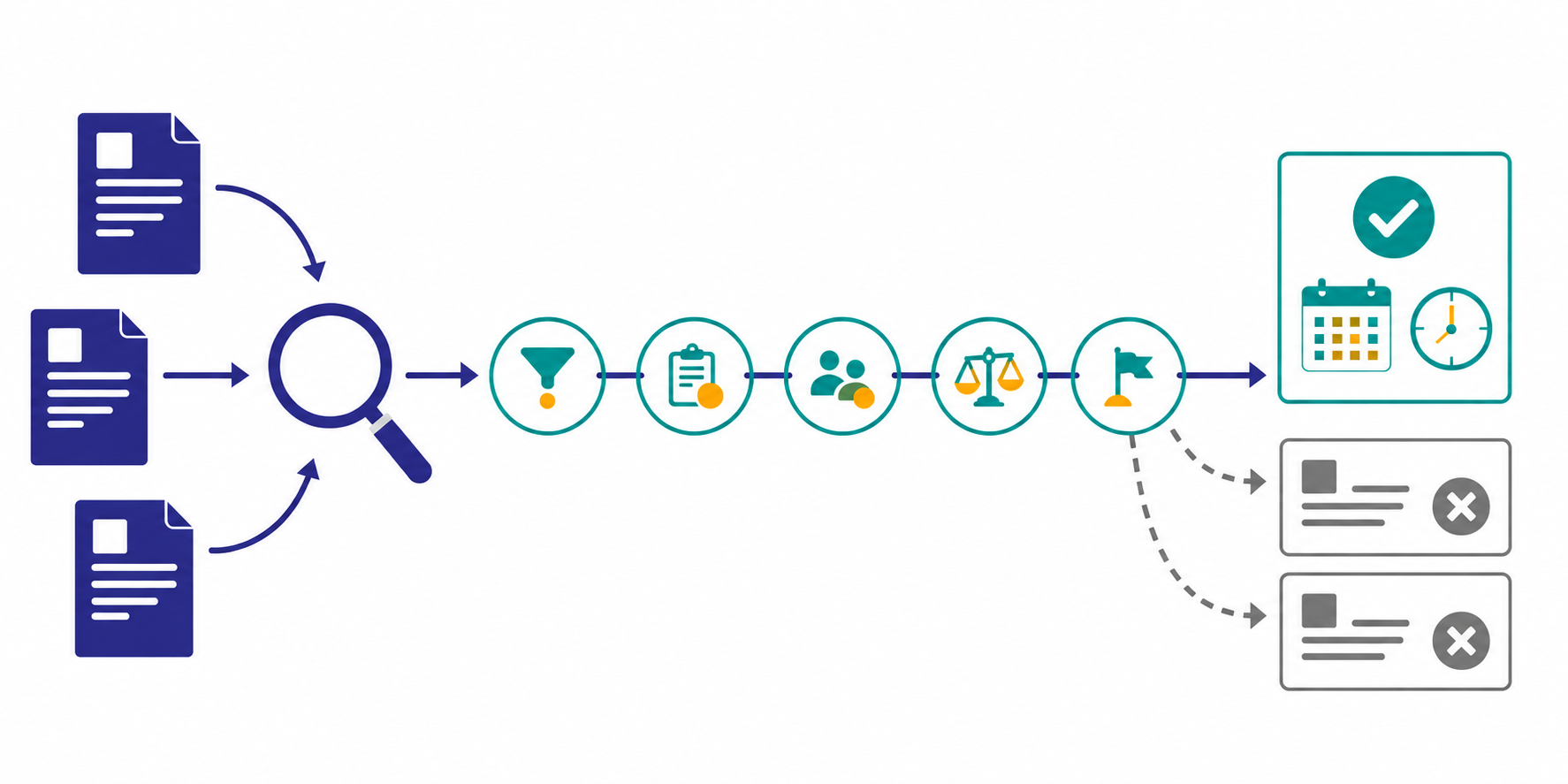
Competitor careers pages can reveal a newly advertised role, skill, team, or market. They cannot prove that a company has funded a new business line or successfully filled a position. A post may replace a departure, support employer branding, or simply be republished.
This guide explains how to monitor careers pages and job descriptions on a consistent schedule while keeping observed facts, strategy hypotheses, and the next evidence to check separate.
The short answer: Compare roles, teams, and skills—not raw job counts
- Track the official careers index separately from individual priority roles
- Record
Role / Team / Skill / Stage / Evidencefor every material change - Do not treat a new post, an edit, and a closed post as equivalent events
- Separate what the page says from what the change might mean
- Check product pages, release notes, and customer stories before escalating a hypothesis
The World Economic Forum's Future of Jobs Report 2025 summarizes responses from more than 1,000 employers about job and skill changes expected through 2030. LinkedIn's Future of Recruiting 2025 also reports continued attention to skills-based hiring and AI-related capabilities.
That broader movement makes job descriptions useful comparison material. It does not make one competitor's job post proof of an internal strategy.
What a job post can and cannot tell you
A job description is a public statement about a role at the time the company publishes it. You can verify what the company chose to advertise. You usually cannot verify its budget, headcount approval, or hiring outcome.
| Observable from the post | Not proven by the post alone |
|---|---|
| Title, level, team, and location | Actual hiring volume or start date |
| Listed responsibilities and skills | Revenue targets or investment size |
| Published, updated, closed, or reposted status | Whether a closed role was filled or cancelled |
| Repeated technologies or markets across roles | The executive team's formal priorities |
The goal is not to guess what happens inside the competitor. It is to create testable hypotheses and identify questions that may affect your product, sales, or hiring plans.
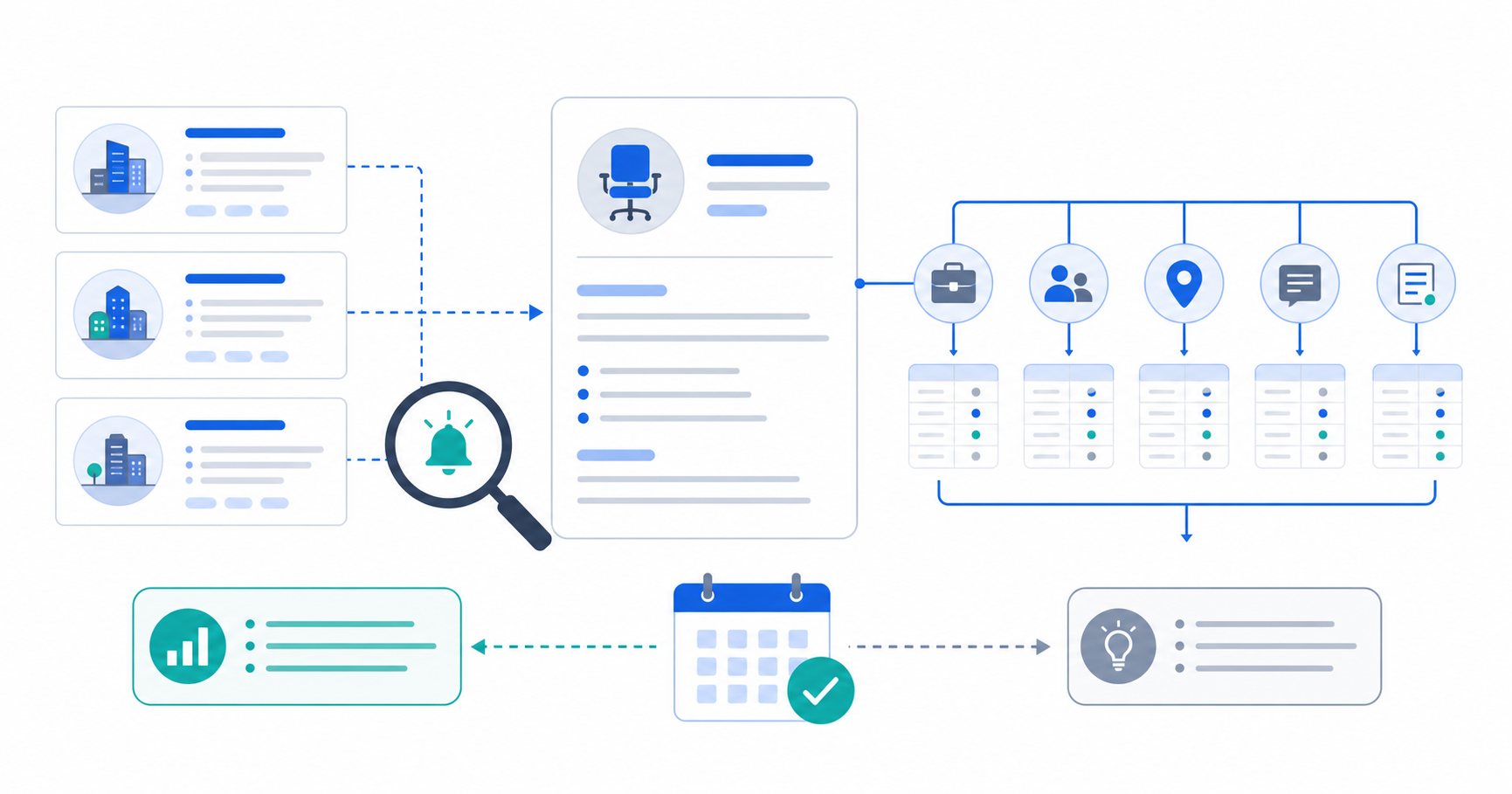
Step 1: Track the careers index and priority roles separately
Start with one to three competitors and register two source types:
- Official careers or jobs index: Detect new role families, closed listings, locations, and teams.
- Priority job descriptions: Compare responsibilities, required skills, reporting lines, and markets.
Job boards are useful discovery sources, but syndicated posts may lag, duplicate listings, or change publication dates. Use the company's official careers page as the reference source. Save the official URL and the date checked.
Stratum Flow accepts one Seed URL per job. Separate the careers index from a priority job description so list-level events and description edits do not become one noisy report. See how to configure a Seed URL.
Step 2: Create a five-field baseline
On the first run, capture five comparison fields instead of summarizing the full description.
| Field | What to record | Example change |
|---|---|---|
| Role | Title, seniority, employment type | First Solutions Architect role appears |
| Team | Department, manager, collaborators | Reporting line moves from Product to Security |
| Skill | Technology, domain, language | Adds AI evaluation, healthcare regulation, or German |
| Stage | New, edited, closed, reposted | Reposted four weeks later with different requirements |
| Evidence | URL, checked date, concise diff | Official URL checked on 2026-06-18 |
Leave unavailable salary or headcount fields blank. Estimated values make the next comparison less reliable.
Step 3: Classify the signal strength
If every edit creates an alert, title cleanup and reposted listings will overwhelm the review. Use three levels.
Strong signal
- Several roles share a new market, technology, or function
- A new team name or reporting line appears explicitly
- The skill pattern aligns with a new product page or release
Medium signal
- An existing role adds a market or specialized skill
- One role introduces a function the company has not advertised before
- A role is reposted with materially different requirements
Weak signal
- Only wording, benefits, or formatting changed
- A third-party board refreshed the publication date
- A listing closed for an unknown reason
A strong signal is still not proof. It earns a higher place in the next research pass.
Step 4: Separate fact, hypothesis, and disconfirming evidence
Give each weekly note three distinct fields.
| Field | What belongs there | Example |
|---|---|---|
| Observed fact | Verifiable change in the job post | Three Enterprise AE roles added for Europe |
| Working hypothesis | A possible explanation | The company may be expanding direct sales in Europe |
| What would disprove it | Evidence that weakens the hypothesis | Backfill roles, a short campaign, or rapid removal |
Avoid statements such as "the competitor is investing" or "the competitor has exited" when the job post is your only evidence. Label the interpretation as a possibility and name the next source to check.
Step 5: Corroborate with another public source
Review the following sources in order:
- Product pages and release notes: Is there a public capability that matches the skill or market?
- Customer stories: Are examples appearing in the same industry, region, or company segment?
- Homepage and calls to action: Has the audience or sales motion changed?
- Official announcements: Did the company announce a team, office, or partnership?
Use the competitor feature-release monitoring workflow for product evidence and the competitor messaging monitoring workflow for audience and positioning evidence.
Step 6: Fix the research instruction and alert threshold
For a careers-index job, use an instruction such as:
Find only roles that were added, materially edited, closed, or reposted on the official careers page since the previous report. Record Role, Team, Skill, Stage, and Evidence. Separate observations from hypotheses, and do not infer why a listing closed.
For a priority job description, narrow the comparison:
Compare the title, team, responsibilities, required skills, location, and employment terms with the previous version. Report only changes in meaning. Put formatting edits in a separate field.
The research-instruction guide explains how to make the output structure explicit. Send alerts only for strong signals and leave medium or weak events in the weekly report. If the team works in Slack or Teams, use the webhook setup guide to configure delivery.
Weekly hiring-signal template
Competitor:
Role / Team / Skill / Stage:
Observed fact:
Official source and checked date:
Signal strength: High / Medium / Low
Working hypothesis:
What would disprove it:
Next source to check:
Internal owner and decision:
In the review meeting, sort notes into three groups: hypotheses that need another source, changes that affect an active decision, and events that should remain on hold.
Common pitfalls
1. Treating job count as investment size
Listing count does not equal hiring budget or net headcount. When you cannot remove duplicates, backfills, and evergreen roles, compare role families and skill changes instead.
2. Treating a closed listing as a successful hire
The role may have been filled, cancelled, or moved. Record the Stage as closed and wait for another source.
3. Reading recruiting copy as a business plan
A job post is candidate-facing copy. Keep the strategy interpretation as a hypothesis until product, customer, or company evidence supports it.
4. Expanding the workflow into personal-data collection
Limit the monitor to company-published job information. Do not turn it into collection of applicant or employee personal data.
How to start in Stratum Flow
Use one competitor's official careers index as the first Seed URL and produce the five fields weekly. Confirm that the first report cites the official page and assigns Stage correctly. Then add a priority role, product page, or release-notes job.
Restrict immediate alerts to strong signals. The quality threshold is not how many job changes the monitor catches. It is whether the report preserves the difference between evidence and interpretation while directing the team to the next source.
Summary
Competitor hiring signals become useful when every role is compared through Role, Team, Skill, Stage, and Evidence. Keep the observed change, strategy hypothesis, and disconfirming evidence separate, then corroborate the hypothesis with product and messaging changes.
Next step
Try Stratum Flow free and monitor one competitor careers page