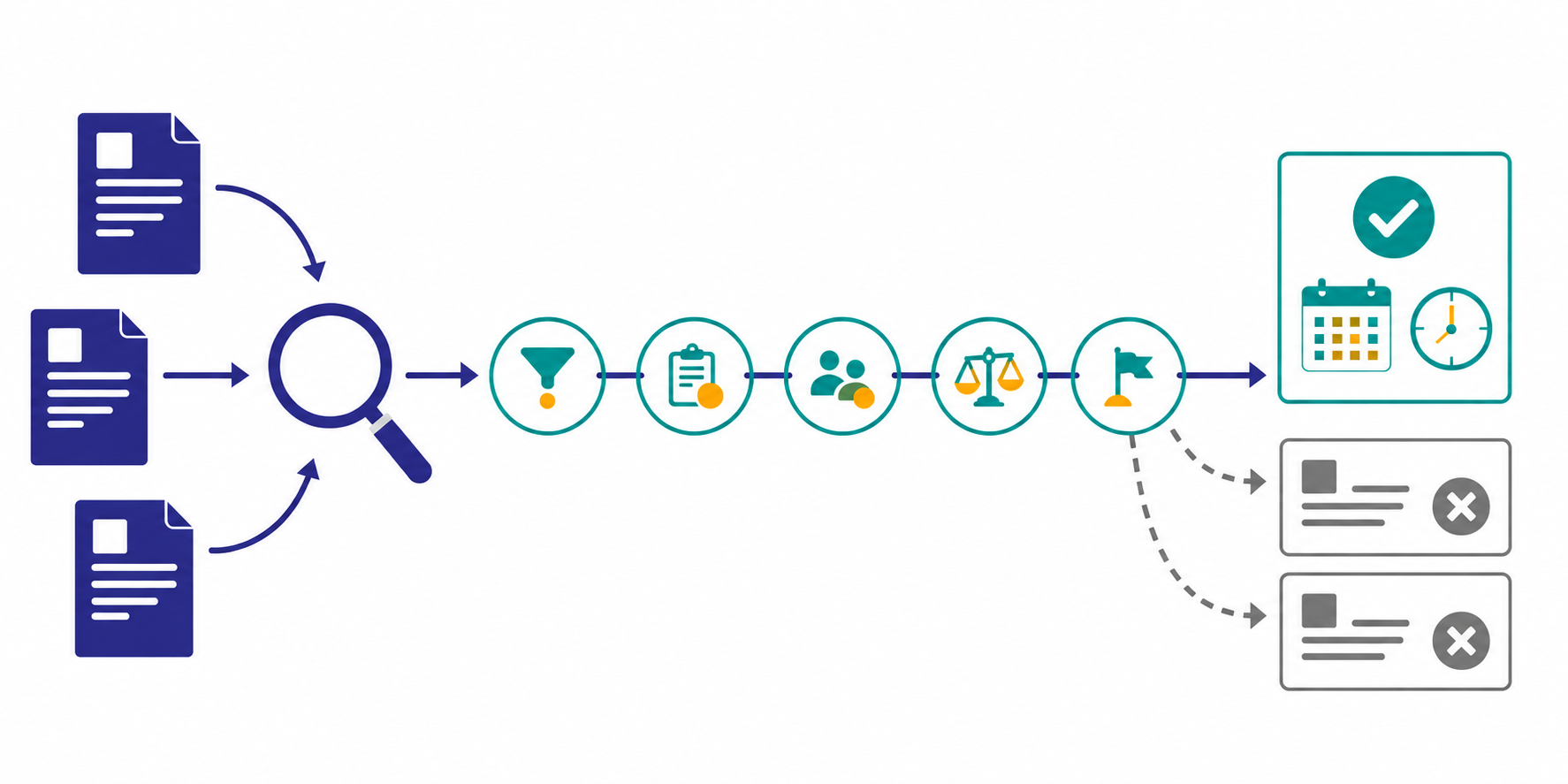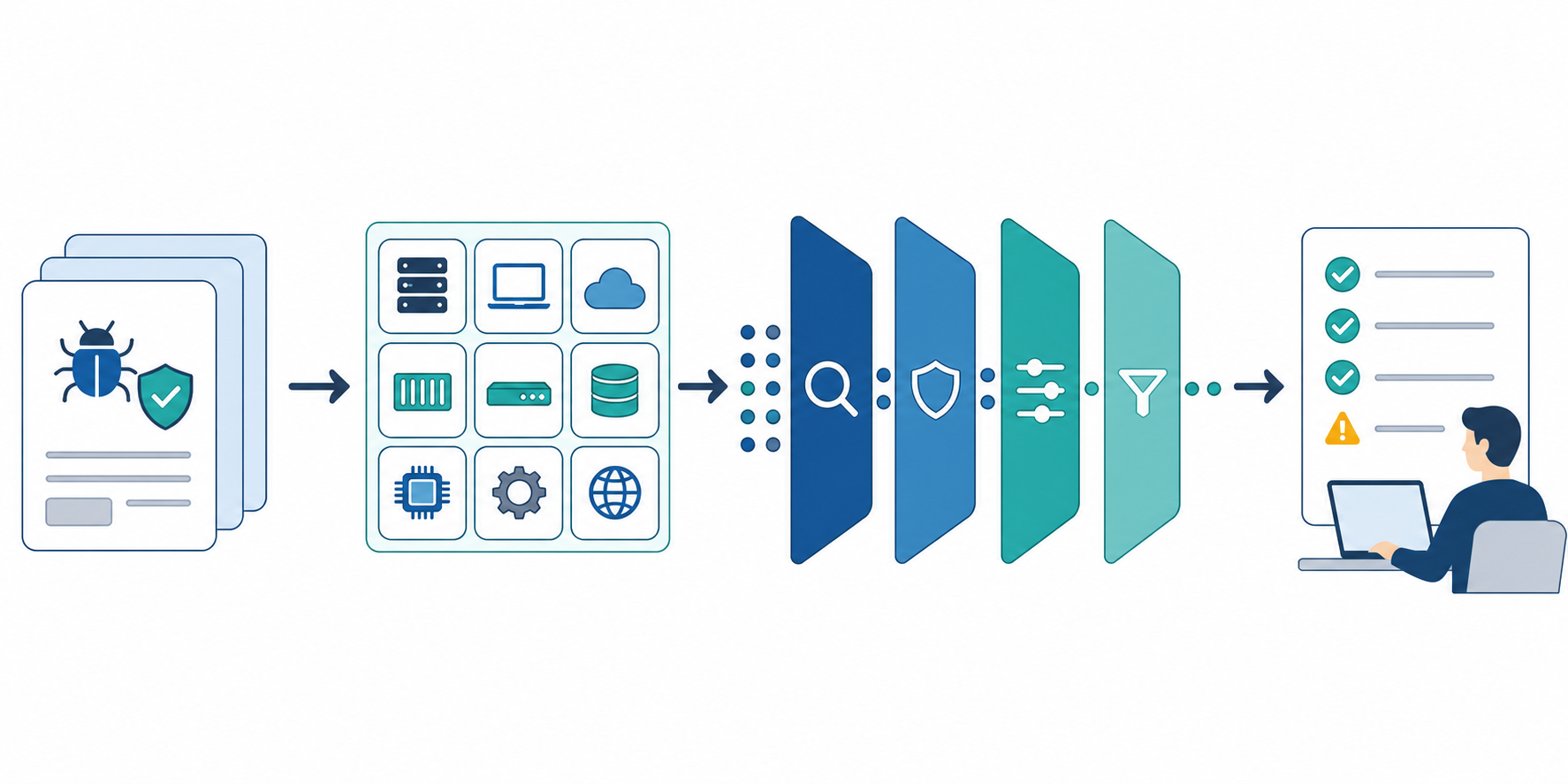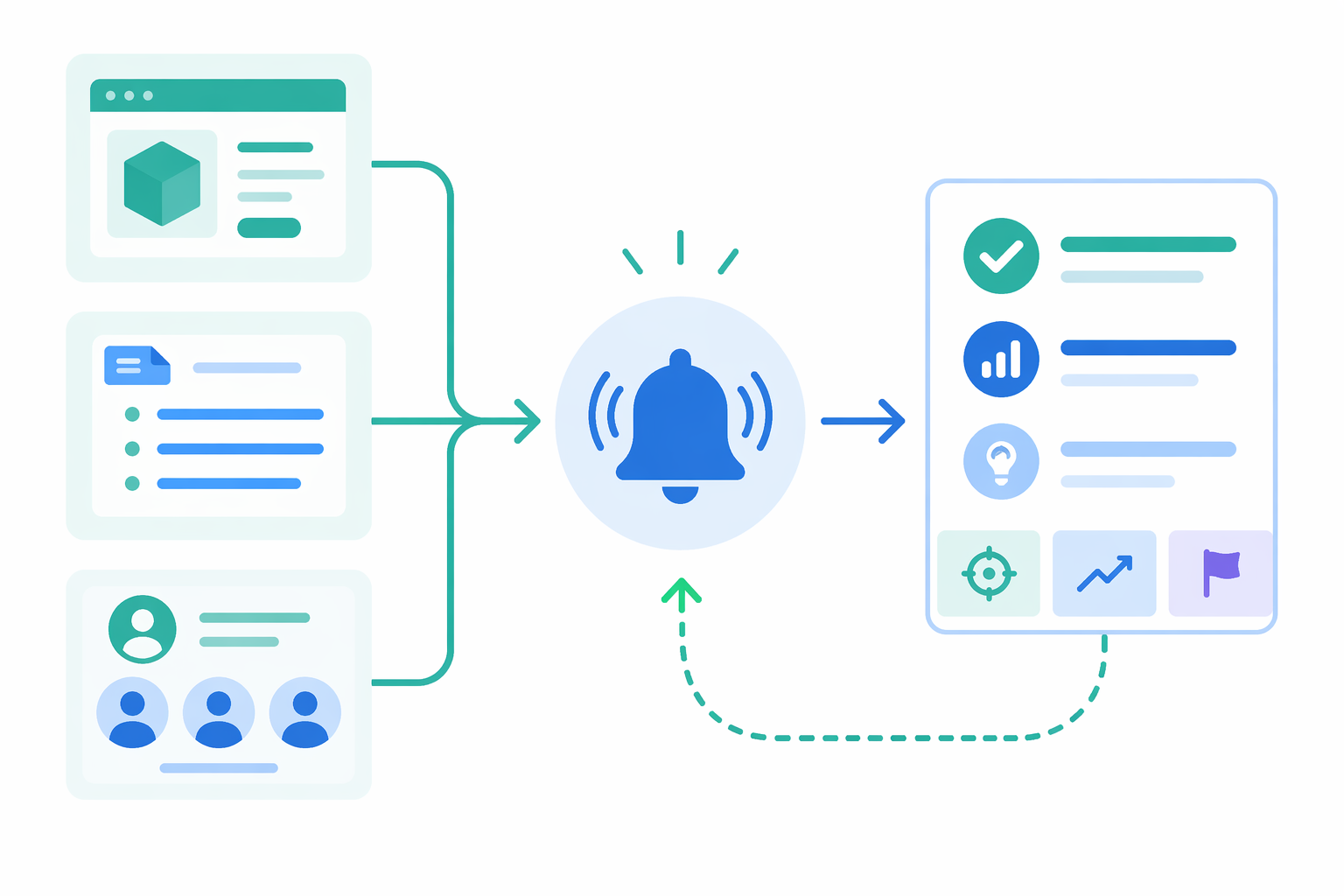
If you want to monitor competitor feature releases as a PM, the fastest starting point is to track product pages, release notes, and hiring pages as one set. The hard part is not finding updates. It is deciding which changes deserve product attention. Product pages show positioning, release notes show publication, and hiring pages add a supporting signal about where investment may continue.
This guide shows how to build a first monitoring theme around competitor feature releases: which sources to combine, how to filter for meaningful change, how to format summaries for PM review, how to send alerts without noise, and how to connect the output to decisions.
The short answer: start with three source types and one importance filter
- use product pages, release notes, and hiring pages as one monitoring set
- start with one feature theme tied to real roadmap or deal pressure
- rate changes by audience impact, workflow depth, and signs of continued investment
- keep summaries in a four-part format: change, evidence, implication, next action
- reserve real-time alerts for major releases and review the rest in a weekly product sync
That structure makes release monitoring easier to use in roadmap, sales-enablement, and competitor-positioning decisions.
Why feature-release monitoring often breaks down for PMs
The usual problem is not volume alone. It is that different signals answer different questions:
- release notes show what was announced,
- product pages show what is being promoted,
- hiring pages hint at where investment may continue,
- and go-to-market pages may show whether the launch is being pushed commercially.
If you monitor only one of those layers, you can end up overreacting to a small release note entry or underreacting to a feature that is already being pushed hard in the market.
Step 1: pick a watch theme by feature area, not by company count
For a first setup, the best starting point is usually one feature area that already matters in product planning or competitive deals.
| Watch theme | Why it is a strong first theme | Decision it supports |
|---|---|---|
| collaboration and permissions | often tied to enterprise requirements | whether roadmap priority should move |
| AI assistant workflows | positioning changes show up quickly in deals | whether your own messaging or scope needs adjustment |
| analytics and dashboards | adoption and expansion stories often depend on them | which use cases deserve more investment |
| integrations and APIs | they shape migration and implementation friction | whether platform work needs to accelerate |
For an integrations or API theme, keep PM-facing feature intelligence here and track engineering-facing implementation risk with How to Monitor API and Developer Documentation Changes. That separation keeps product strategy signals from mixing with contract and documentation change work.
One theme is enough at the beginning. If you start with several, the importance threshold tends to drift. When you define the initial source list, Seed URLs: Usage and Examples is the best guide for structuring the watch. In Stratum Flow, each job accepts one Seed URL, so a practical first setup is to create three jobs under the same theme: one for the product page, one for release notes, and one for hiring.
Step 2: read product pages, release notes, and hiring pages as a single set
These source types are most useful when you treat them as complementary evidence.
| Source | What to look for | What it tells you |
|---|---|---|
| Product page | headlines, screenshots, customer proof, CTA shifts | what they want buyers to notice now |
| Release notes | dates, plan availability, beta labels, revision history | what actually shipped and when |
| Hiring page | role names, team names, skill requirements | where investment may continue next |
This combination helps you compare promotion, release timing, and likely persistence instead of logging launches as isolated events.
For feature-release monitoring, consistency matters more than raw source volume. Once the first workflow is stable, What to Set Up Before You Automate Competitive Research is a good reference for expanding from one theme to several.
Step 3: define what counts as an important change before alerts start
The biggest source of noise is treating every UI tweak or release note entry as equal. Set the threshold first.
A practical importance filter
| Dimension | High-priority condition | Usually safe to defer |
|---|---|---|
| Customer impact | clearly affects your main ICP or buying criteria | minor UI polish |
| Go-to-market impact | reflected in landing pages, comparison pages, or packaging | a small release note entry only |
| Workflow depth | changes a broader workflow, not just one screen | wording changes or cosmetic edits |
| Investment signal | supported by repeated messaging or hiring evidence | one-off campaign language |
| Internal relevance | affects roadmap debate, sales talk tracks, or proof points | a feature outside your current competitive surface |
For PM workflows, a good triage set is:
- Does this affect a feature buyers actively compare?
- Has the company changed how it presents the capability, not just documented it?
- Do hiring or follow-up updates suggest ongoing investment?
- Would this change what we prioritize, test, or prepare for customer conversations?
If you want AI summaries to stay consistent, build these conditions directly into the prompt. How to Write Effective Research Instructions is the right reference for that setup.
Step 4: design the summary around the next PM decision
The best release-monitoring summaries are short and usable. A four-field format is usually enough, but it should read like a PM review note rather than a generic archive template.
| Field | What to capture | Example |
|---|---|---|
| Change | what was launched or updated | permission templates moved to general availability |
| Evidence | where you saw it | release note, product page, hiring page |
| Implication | why it matters for your team | update enterprise comparison materials |
| Next action | who should do what | PM validates the gap, sales updates enablement |
This is easier to use in a product sync than a long narrative summary. You can always drill into the source later, but the short decision note should come first.
Step 5: alert only on changes a PM should react to immediately
Real-time alerts are useful only when they protect the team from missing something important. The first design job is not message formatting. It is deciding which launches deserve immediate attention.
| Sharing method | Best for | Examples |
|---|---|---|
| Immediate alert | high-impact launches that affect active comparison or customer conversations | general availability, packaging changes, major integrations |
| Weekly review | changes that matter more with comparison and context | beta updates, smaller workflow additions, copy changes |
| Monthly review | patterns that show sustained direction | repeated investment in one workflow, hiring concentration, positioning drift |
A good alert message only needs three parts:
- what changed,
- why it matters,
- where to inspect it in detail.
If the team shares results in chat, How to set up Webhooks (Slack, Teams, generic) covers the delivery setup. For this workflow, it is enough to reserve alerts for events like general availability, major integrations, or packaging changes, then review the rest in the weekly PM sync.
Step 6: connect the watch to a recurring PM decision loop
Monitoring only becomes valuable when it enters an operating rhythm. A short weekly review is usually enough.
Three questions for the review
- What was the most meaningful competitor release this week?
- Which buyer segment or use case does it strengthen?
- What do we need to change: roadmap priority, validation work, or sales support?
These questions keep the workflow focused on action instead of curiosity.
How narrow should the first watch theme be?
For the first monitoring theme, this lightweight scope is usually enough:
| Target | Starting range | Selection rule |
|---|---|---|
| Competitors | 2-3 companies | the ones that appear most often in deals or roadmap debate |
| Product pages | 1-2 per company | pages tied to the feature area you are watching |
| Release notes | 1 per company | pages that show dates and rollout language clearly |
| Hiring pages | 1 per company | pages that reveal product or engineering hiring around the theme |
Expand only after the weekly loop is already working. For a small team, early scale usually creates noise faster than insight.
Common pitfalls
1. Treating release notes as the whole truth
Release notes capture publication, but not always market emphasis. Product pages often reveal the stronger go-to-market signal.
2. Ignoring hiring signals
Hiring does not prove a launch, but it is a useful supporting signal when you are trying to separate a one-off update from an area of continuing investment.
3. Alerting without an importance rule
"Something changed" is easy to share and hard to use. Alerts should already encode relevance.
4. No meeting handoff
If there is no defined review slot, even good monitoring output will slowly disappear into documents and chat history.
If you start this in Stratum Flow
The cleanest first setup in Stratum Flow is:
- register the product page, release notes, and hiring page as separate Seed URL jobs under one watch theme
- add your importance filter and the four-part output format to the research instructions
- send alerts only for general-availability-level changes and review the rest in a weekly product meeting
This keeps setup and review simple enough for PMs and sales to work from the same source-backed summary.
Summary
Competitor feature-release monitoring works best when you combine product pages, release notes, and hiring signals, set an explicit importance threshold, and format the output for decisions instead of raw collection.
Start with one feature theme, two or three competitors, and three source types. Fix the Seed URLs and the importance filter first, and you can create a useful first monitoring workflow today.