AI coding tool feeds mix major features, pricing changes, previews, and small fixes under the same label: update. Reading everything does not make a team better informed. It often hides the changes that affect adoption, security review, migration work, or budget.
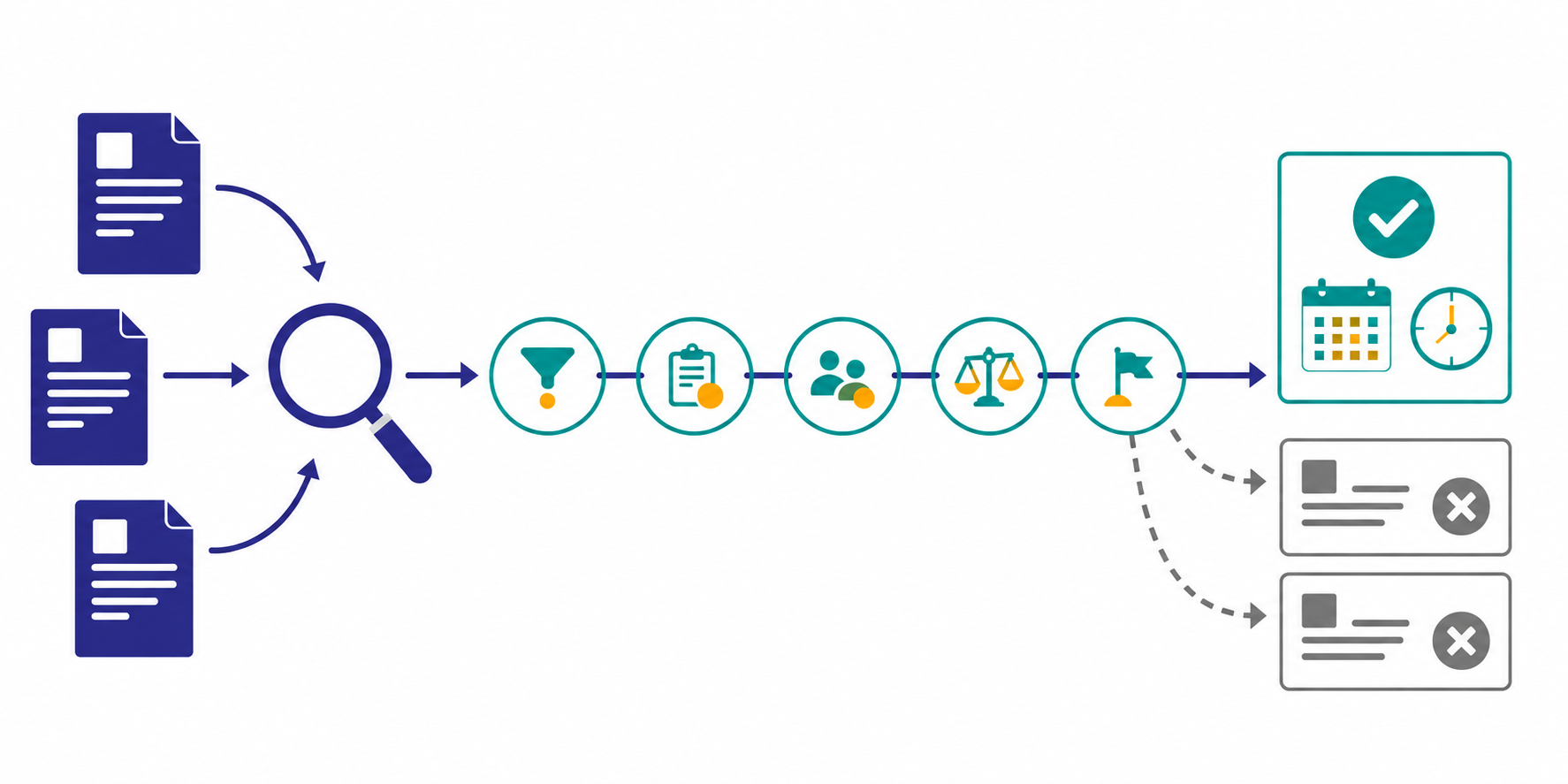
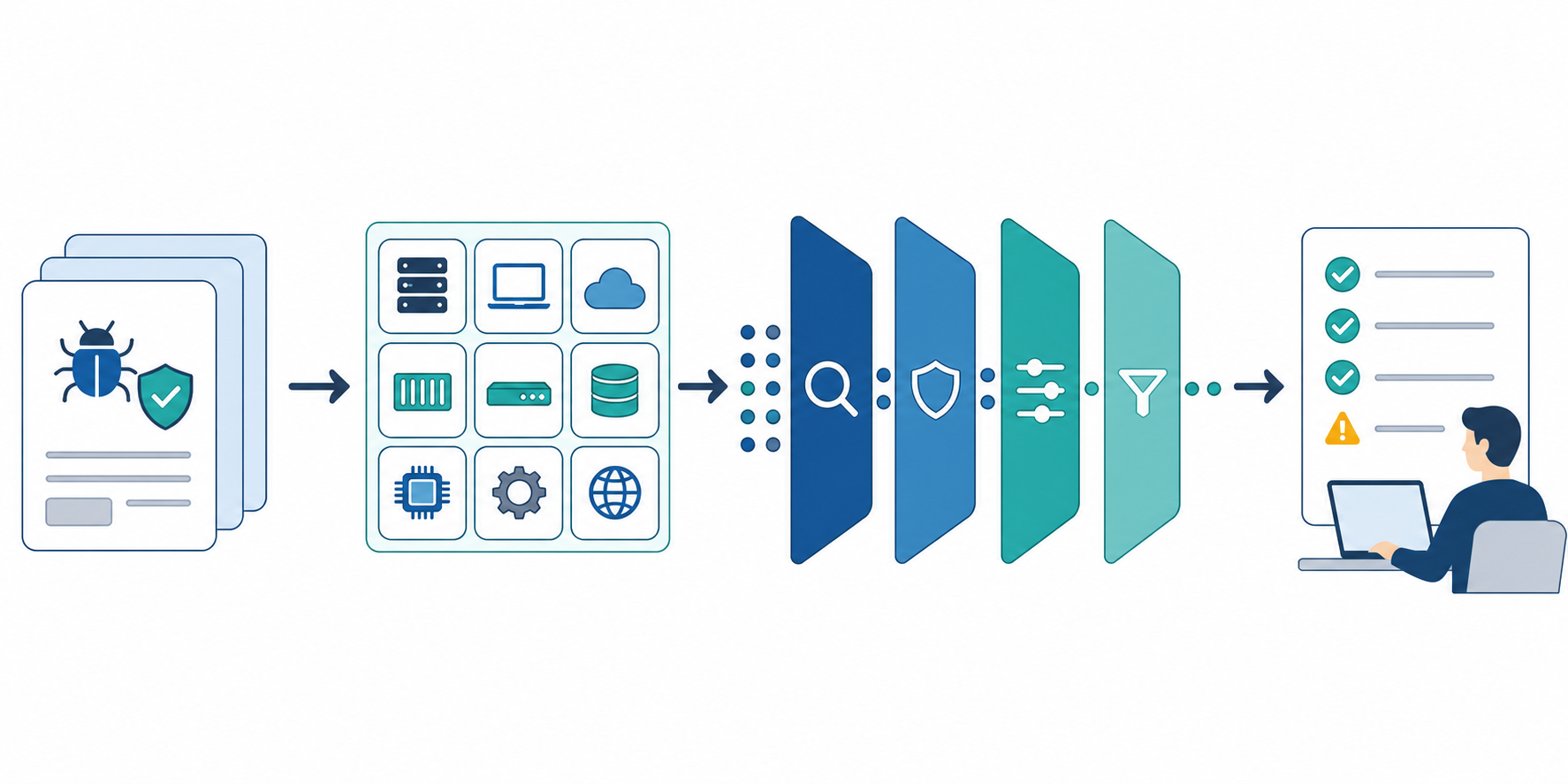
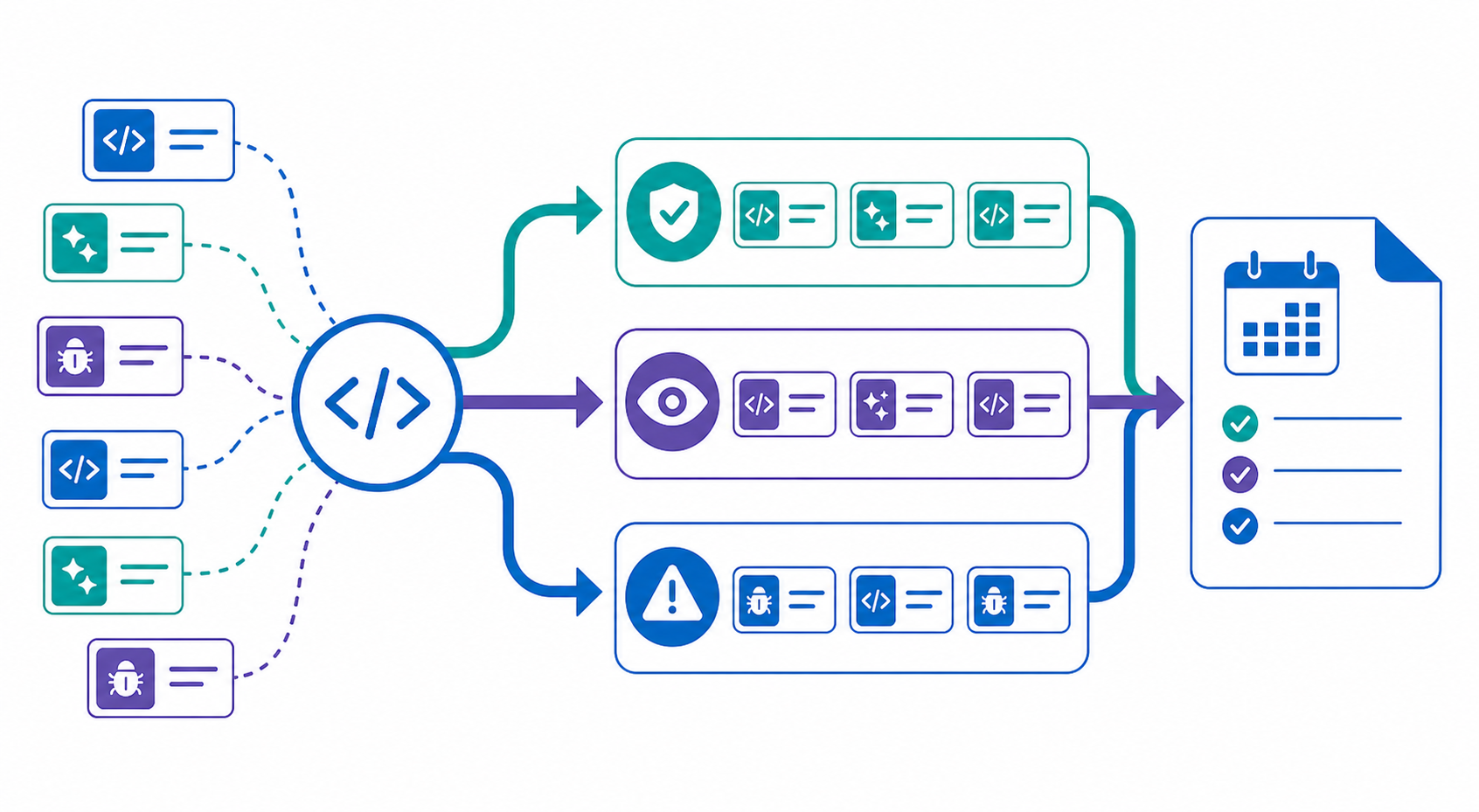
This guide shows how to monitor official changelogs and release pages, classify what changed, and produce a weekly decision brief. It is not a point-in-time product ranking. The goal is a repeatable way to evaluate a fast-moving tool category.
The short answer: monitor decision-changing events, not product activity
- Prefer official changelogs, release pages, pricing pages, and documentation.
- Keep stable, preview, beta, and nightly releases separate.
- Record the observed change separately from its possible impact on your team.
- Split urgent review items from changes that belong in a weekly brief.
- Fix the product list and review categories, and record when no qualifying change occurred.
The useful unit is not an announcement. It is a source-backed change that touches one of your team's selection criteria.
Why AI coding tool updates are difficult to track
Official channels use different cadences and publishing models. As of June 20, 2026, the official Claude Code releases show several releases between June 16 and 19. The official Gemini CLI releases mix stable, preview, and nightly builds. The Codex changelog also lists changes across several June dates, including June 18.
A generic news search tends to create five problems:
- announcement dates get confused with availability dates
- small fixes appear beside contract or workflow changes
- vendor benefit claims lose their attribution
- previews and nightly builds look production-ready
- an unchecked product looks the same as a checked product with no changes
Define the watch around decisions before choosing the sources.
Step 1: define the decision categories
Start with the questions your weekly review needs to answer. These five categories cover a practical baseline for engineering teams.
| Decision category | Changes to track | Follow-up question |
|---|---|---|
| Adoption | GA status, operating systems, regions, admin features | Can we test it in our environment? |
| Workflow | IDE, CLI, review, and agent behavior | Which existing step would change? |
| Security | Data handling, permissions, auditability, security notices | Does this trigger a security review? |
| Cost | Price, limits, billing unit, plan eligibility | Should we update the budget model? |
| Migration | Deprecations, breaking changes, deadlines | Who owns the work, and by when? |
"New features" is too broad to be a useful category. If an update does not touch one of the defined decisions, omit it from the weekly brief or place it in a low-priority appendix.
Step 2: build a primary-source map
Publishing channels differ by vendor, so fix URLs instead of relying on a recurring search query. Keep at least three source types separate:
- official changelog or release notes
- official pricing and plan pages
- official migration and security documentation
For example, GitHub Copilot has an official Copilot changelog feed, Codex has an official changelog, and CLI products often publish releases from their official GitHub repositories.
When you configure a Seed URL, use one official index page and name the additional official domains and review categories in the research instruction. Stratum Flow currently supports one Seed URL per job, so split a large watch by vendor or category. See Seed URLs: Usage and Examples for the setup details.
Step 3: normalize release stages
A stable release, preview, beta, and nightly build should not enter the same decision queue. Give each brief item the following fields.
| Field | What to record |
|---|---|
| Release stage | GA / stable / preview / beta / nightly |
| Announcement date | Date shown by the official source |
| Availability date | Actual availability date, or "not verified" |
| Affected scope | Plans, operating systems, regions, or versions |
| Required action | Test, review, migrate, update budget, or no action |
Do not infer a stage when the official page does not state one. "Not verified from the official source" is more useful than a confident but unsupported label.
Step 4: separate facts, implications, and follow-up
One-paragraph summaries tend to blur vendor facts and internal interpretation. Use four fields for each qualifying update:
- Change: what the official source confirms
- Evidence: source URL and date
- Impact: which internal selection criterion it may affect
- Next check: what a person must verify next
A newly released agent feature does not prove that development will become faster. The next step may be a repository-specific trial, a permissions review, or a check for overlap with the existing CI workflow.
Use this research instruction as a starting point:
Review the specified AI coding tools using only their official changelogs, official releases, and official pricing pages. Include only changes that affect adoption, development workflow, security, cost, or migration. Return Change / Release stage / Evidence URL and date / Affected scope / Impact / Next check. Attribute vendor performance claims and do not infer missing details. For every product with no qualifying change in the review period, write "no qualifying changes found."
See How to Write Effective Research Instructions when you need to narrow the scope or output format further.
Step 5: split urgent reviews from the weekly brief
Sending every release to an alert channel creates noise. Reserve immediate review for changes with operational deadlines.
| Immediate review | Weekly brief |
|---|---|
| Breaking changes, deprecation deadlines, major security notices | Features, previews, and broader platform support |
| Price or usage-limit changes | Small improvements and evaluation candidates |
| Admin or data-handling policy changes | Updates best interpreted as a multi-week pattern |
A useful weekly brief can stay compact: the three most consequential changes, the decisions they touch, and the owner or check required next. A long product list is not a reason to include low-impact items.
Common pitfalls
Making decisions from secondary coverage
Secondary coverage is useful for discovery. Verify plan scope, release stage, availability, pricing, and migration dates against first-party sources before a decision.
Treating release count as momentum
Release frequency is not a comparable measure of product value. Vendors package fixes differently, and public nightly builds inflate simple counts.
Mixing vendor claims with test results
Record speed or quality claims as vendor statements. Do not present a benefit as established until your team has tested it under its own repository and policy constraints.
Omitting the no-change result
Record the sources and period checked even when no qualifying change was found. That distinguishes a completed review from a missed product.
Running the watch in Stratum Flow
In Stratum Flow, place an official index page in the Seed URL and put the product list, allowed official domains, decision categories, and output schema in the research instruction. This turns the source map into a recurring job.
Start with no more than three products on a weekly cadence. If the first report is noisy, remove categories. If it misses important changes, fix the source map before adding more generic queries. Dashboard Overview and Basic Settings provides the steps for creating the first job.
Summary
To monitor AI coding tool updates, fix the decision categories, primary sources, release stages, and human follow-up fields. The result is a weekly review of adoption, workflow, security, migration, and cost—not another feed of product announcements.